Photography
Product Photography Guide for E-Commerce Brands
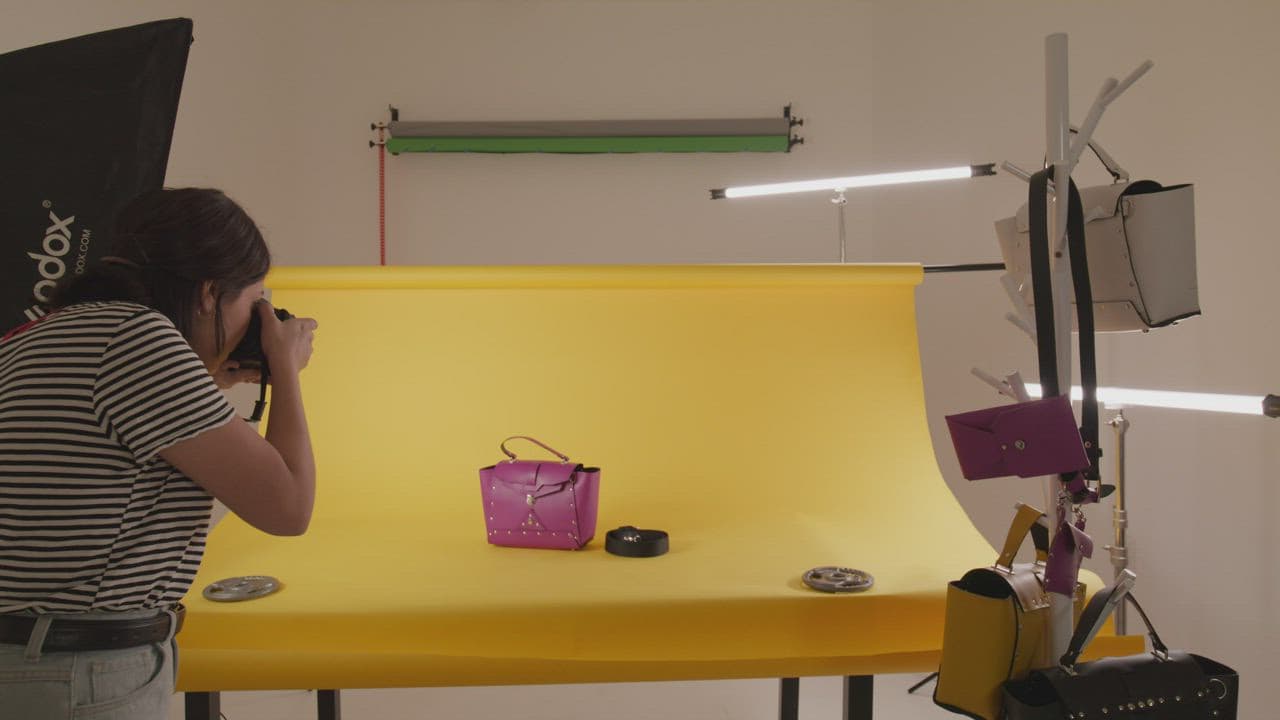
What to plan before a product shoot so your images sell — on marketplaces, your website and ads.
Online shoppers can't touch, try or inspect your product. Your photography is the closest they get. Good product images reduce returns, increase conversions and make your brand look established.
Know where the images will be used
Marketplaces such as Amazon and Flipkart have specific requirements for backgrounds, framing and size. Your website and ads have more creative freedom. List every destination before the shoot so the shot list covers them all.
Plan a complete shot list
- Hero shot on a clean background
- Alternate angles: front, back, side, top
- Detail and texture close-ups
- Scale shots showing size in hand or in use
- Packaging and what's in the box
- Lifestyle images in a real setting
Prepare the products
Dust, fingerprints and creases show up clearly in high-resolution photography. Send clean, undamaged samples and, where possible, spares.
Prioritise accurate colour
Colour mismatches are a common reason for returns, especially in fashion and home décor. Controlled lighting and careful retouching keep images true to the real product.
Add video where it helps
Short product videos — a rotation, a demo, a texture close-up — answer questions that still images can't. Shooting stills and video in the same session keeps lighting and styling consistent.
Treat product photography as an investment in every future sale. Done once and done well, it keeps working across every channel you sell on.